Every OTT platform has the same quiet bug somewhere in it: an image that is almost right.
A poster that is a few percent too wide. A hero banner whose edges are shaved off on a TV. A thumbnail that looks fine on a laptop and subtly wrong on a phone. Nobody files a ticket, because nobody can point at what is broken - it just looks a bit off.
The fix is not a better eye. It is a test image that cannot lie.
Why "looks fine" is not a test
Aspect-ratio bugs hide because photography hides them. Stretch a landscape by four percent and a viewer cannot tell. Stretch a face, a logo, or a circle by four percent and everyone can.
That is the whole idea behind a test card. You put shapes into the frame whose correctness is self-evident, so a wrong render announces itself instead of hiding.
The Vodlix test card
We built one for our own QA and we are giving it away, because every streaming team needs it and most end up drawing something worse on a Friday afternoon.
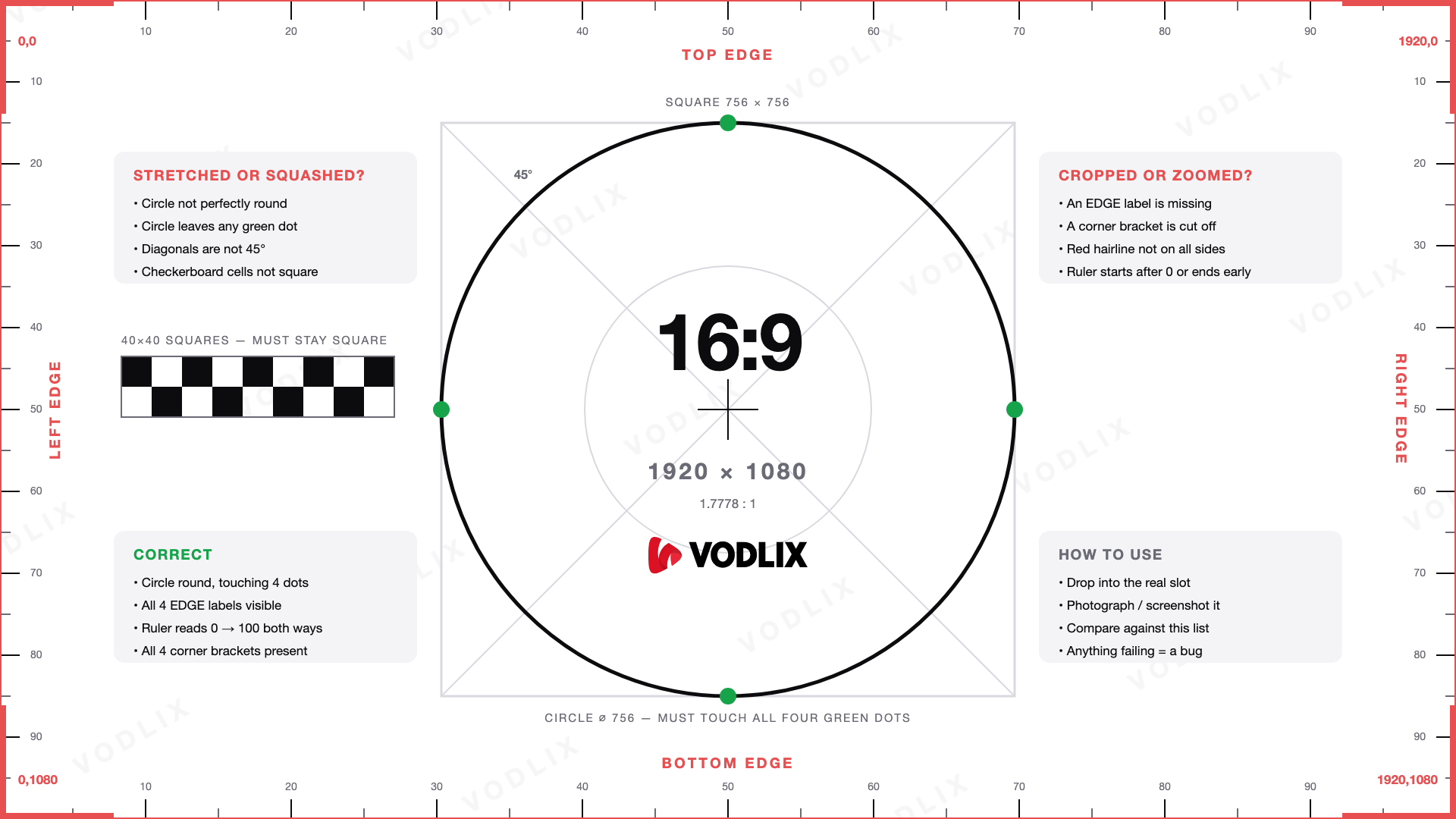
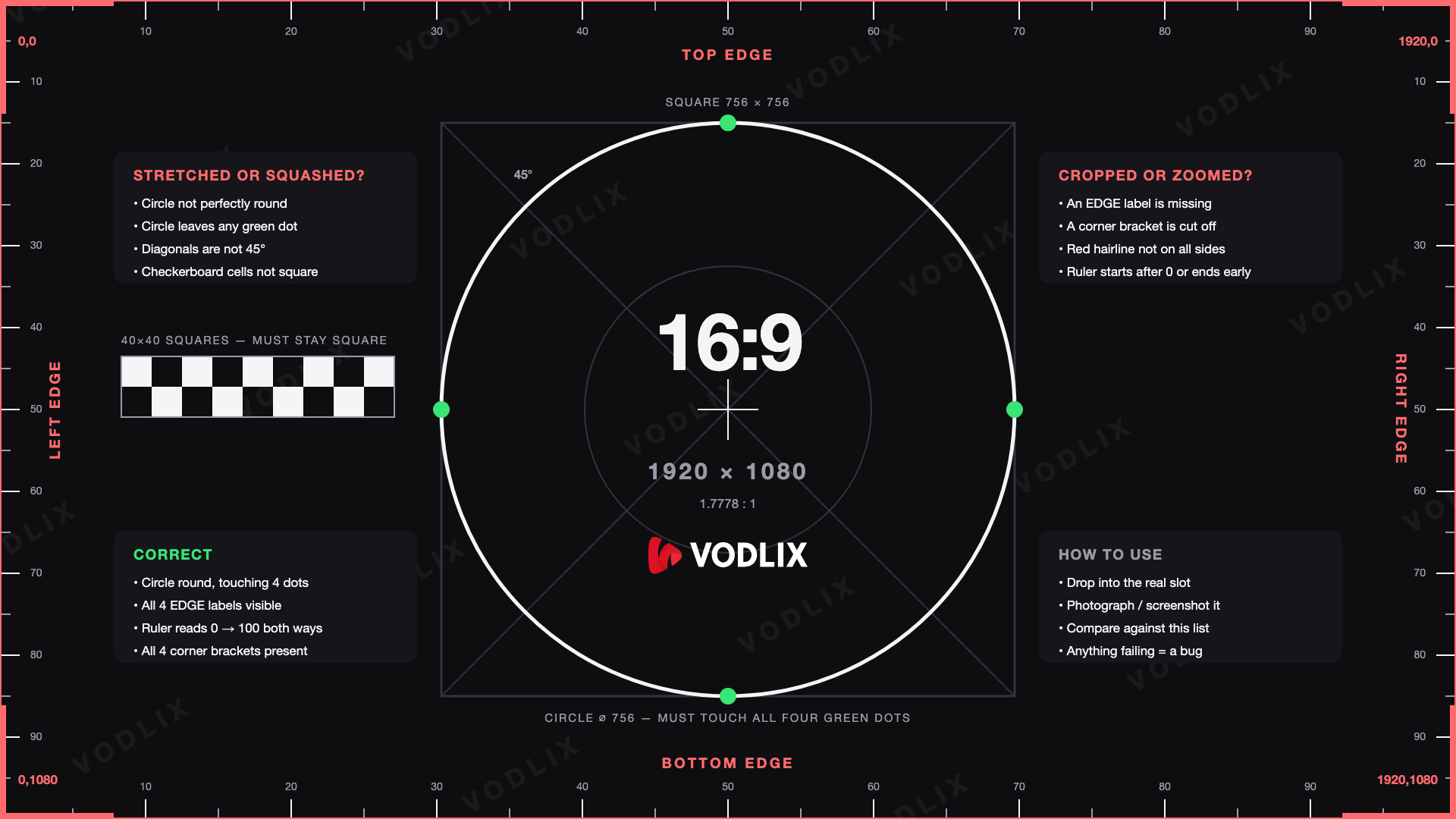
Vodlix 16:9 test card for OTT aspect-ratio and crop testing

Everything on it is a deliberate trap for a specific bug:
A circle inscribed in a square, touching at four green dots. A circle is only round at one aspect ratio. Squeeze the frame and it becomes an oval and pulls away from two of the dots.
Diagonals at exactly 45 degrees. Any non-uniform scale changes the angle, and the printed label stops matching the line it points at.
A checkerboard of exact squares. Squares become rectangles the moment the ratio slips.
A hairline along the true edge, corner brackets on the corner pixels, and four EDGE labels. If any of them is missing, the frame is being cut.
A 0 to 100 percent ruler down all four sides. If it starts after 0 or stops before 100, you are looking at a crop or a zoom.
No measuring, no overlay, no reference file. If the circle is round and you can read all four edges, the render is correct.
What a broken render actually looks like
Here is the same image in four states. Only the first is being displayed correctly.
16:9 test card failure modes: stretched, squashed, and cropped

The two failures are worth telling apart, because they have different causes and different fixes.
Squashed or stretched means something forced the image into a slot of the wrong shape - a hard width and height in CSS, or a scale mode that fills rather than fits. The circle turns into an oval.
Cropped or zoomed means the ratio was preserved but the frame overflowed its container. Notice that the circle stays perfectly round in the cropped example. That is the trap: cropping does not distort anything, it just quietly removes the edges. Without edge markers you would never notice.
Portrait matters more than landscape
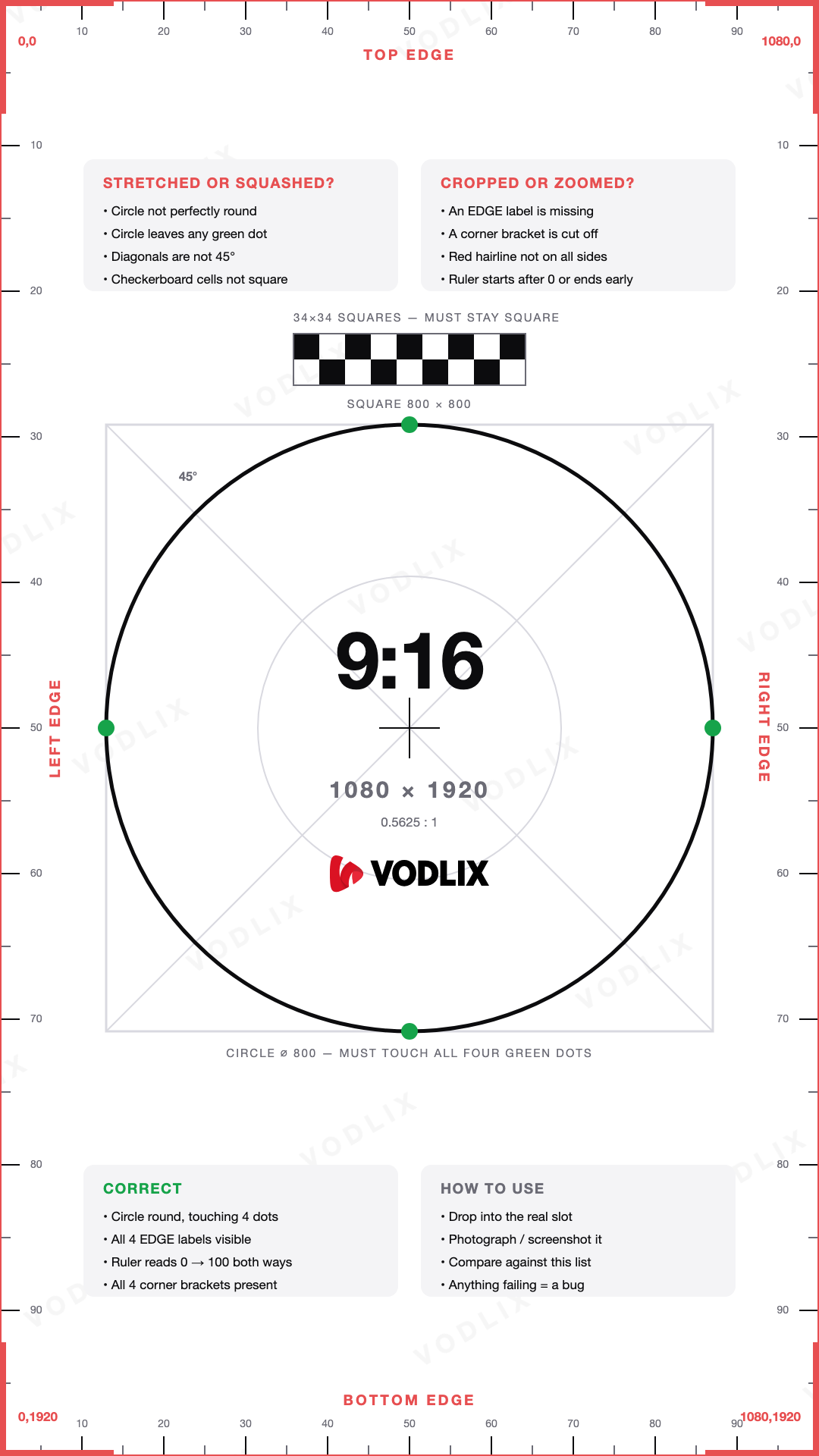
16:9 usually survives, because everything is built for it. Vertical is where assets break - Reels, Shorts, mobile hero art, phone lock screens. So the card comes in 9:16 too.
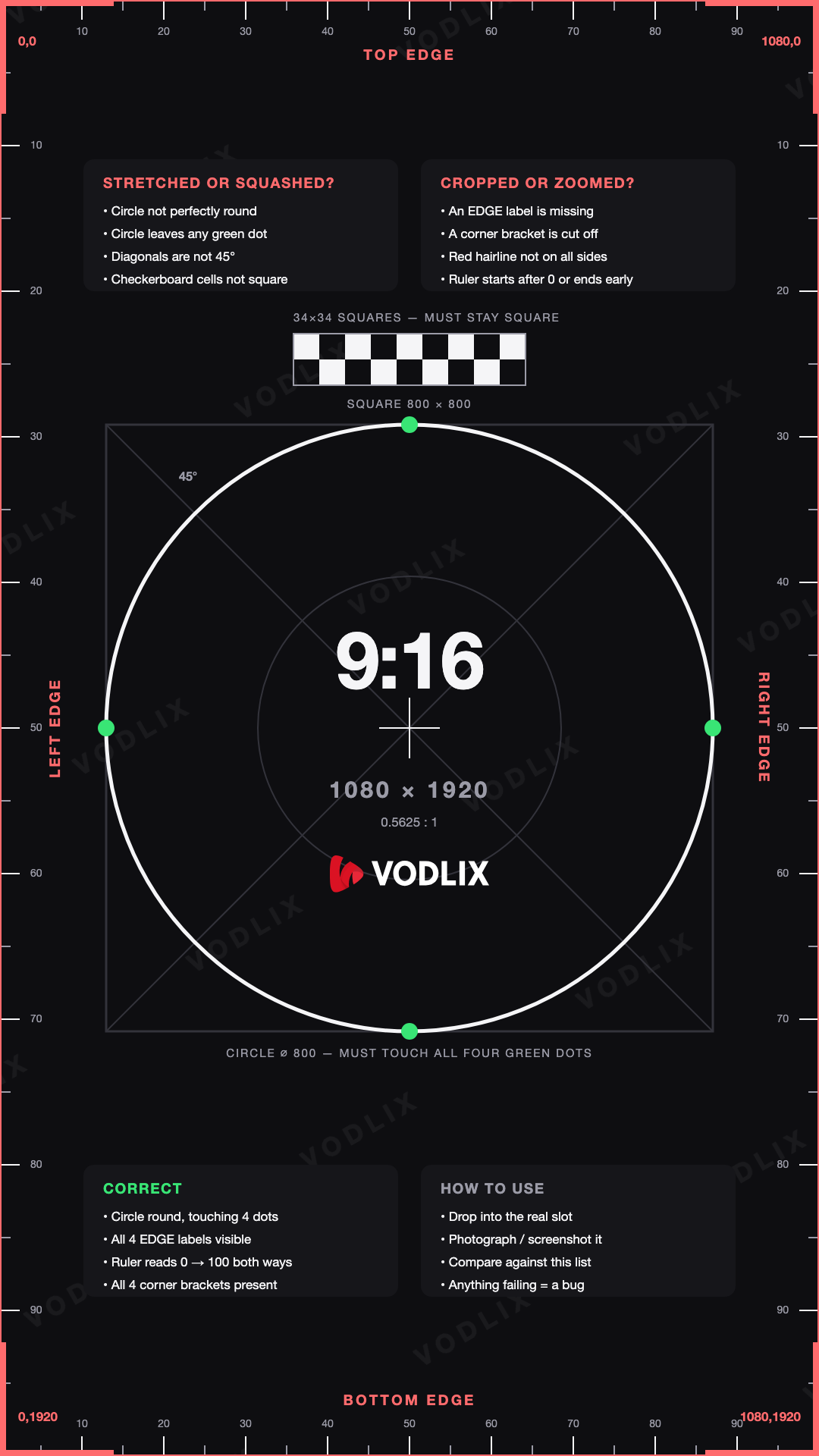
Vodlix 9:16 vertical test card for mobile and Shorts layouts

A 9:16 asset dropped into a 16:9 slot with a fill scale mode loses roughly a third of its height. The card makes that obvious in a second instead of a debate.
Download
Free to use, no attribution required. PNG, exact pixel dimensions, light and dark:
16:9 landscape, 1920 x 1080 - light and dark
9:16 portrait, 1080 x 1920 - light and dark
Failure-mode reference sheets for both ratios
16:9 light (1920 x 1080) · 16:9 dark · 9:16 light (1080 x 1920) · 9:16 dark
Use PNG rather than JPEG for the test itself. JPEG compression can soften the two-pixel edge hairline enough that it looks absent at small sizes, which would have you chasing a crop bug that is not there.
How to use it properly
Put it through the real pipeline, not onto a desktop. Upload it as artwork on a test title so it passes through your resizer, your CDN transforms and your app layout - that is where the bug lives.
Load it on real devices. A TV app, a phone, a tablet and the web player will each fail differently.
Photograph or screenshot the result and compare it against the checklist printed on the card.
Leave the test title in place. It becomes a permanent regression canary - the next time someone changes a scale mode, you will see it immediately.
Why we care about this
Vodlix is a white-label OTT platform, which means every image on it belongs to somebody else - our customers' posters, their branding, their thumbnails. Getting the geometry wrong is not a cosmetic problem, it is us damaging their artwork.
So the card is part of our own QA. We are publishing it because the problem is not unique to us.